



Motis Freeflow now supports ELO online — live and ready to use. Create ELOs on their own or alongside your ENS in one place, with data flowing through automatically. Get teams hands-on now so you’re fully prepared before ELO becomes mandatory.
What is ELO?
ELO (Enveloppe Logistique Obligatoire) is a French Customs requirement for UK–France ferry and tunnel traffic. It’s a single digital envelope — one barcode — that bundles your declarations and safety data so checks can be completed in advance and vehicles move through the Smart Border faster.
Why it matters to you
-
Keep freight moving: one barcode, fewer stops, clearer status at port.
-
Cut admin: no re-keying between ELO and ENS; fewer input errors.
-
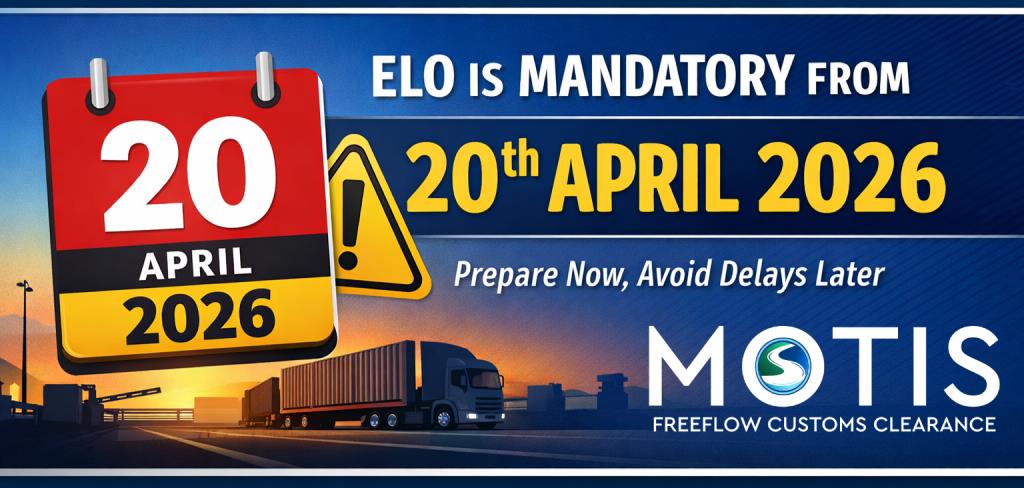
Be ready for go-live: The mandatory date is set for 20 April 2026. Adopting ELO early helps avoid last-minute scrambles, delays, and potential non-compliance penalties.
-
Driver experience: quicker check-in and clearer instructions on arrival.
What’s new with Motis Freeflow ELO:
-
Integrated workflow: file ELO on its own or as part of your ENS journey.
-
Auto-link to ENS: when your ENS MRN is returned, your ELO record updates — keeping risk checks aligned.
-
ICS2-aligned ENS: our ENS workflow is built for ICS2, so you’re working to current EU rules.
-
Fast set-up: account holders can enable ELO in minutes; user roles and audit built-in.
-
Clear status & history: view ELO state, timestamps and related movements from one dashboard.
-
Support that knows the lanes: 24/7 operations coverage for UK–FR Ro-Ro.
-
Enable drivers or contacts to complete MRNs remotely via secure link — ideal for T1s released out of office hours
Who should start using ELO now:
-
UK and EU hauliers, forwarders and ferry users crossing via Dover/Calais or Eurotunnel.
-
Operators who want to de-risk peak periods and avoid queues when mandatory enforcement begins.
How it works (at a glance):
-
Create an ELO in Motis Freeflow.
-
Attach the required movement/declaration data; save.
-
Receive the ELO barcode; share to driver/ops.
-
Check in as usual; the barcode is scanned and authorities complete risk checks during the crossing.
-
Arrive and follow the green/orange flow as directed.
Watch the below video for an introduction to the system and ELO
Or prefer a quick walkthrough? You can watch the below guide
Nominate a contact to complete the ELO submission as a separate, out-of-hours process
How it works:
-
Create or open your ELO as usual, including your ICS2 ENS MRN
-
Nominate a contact (typically a driver) with their mobile number and/or email address
-
Our system sends a secure link via SMS or email
-
The contact enters the released T1 MRN
-
The MRN is automatically linked to the ELO
-
The driver receives confirmation and a copy of the ELO MRN, and continues their journey
Watch our guide to the new ELO Contact nomination Feature
Start using ELO today - Get access and test your first movements.

Need Help? Contact our support team on the button below.